Looking inside any file
Select a file on the Files tab and the bottom of the details pane shows what's in it. JackAll decodes most of the game's formats itself, so a model is a model you can turn around and a sound plays, instead of a hex dump. This page is a catalogue: one example of each preview, and where to go next to change that kind of file.
Previews only read files.
Models (.xbg)
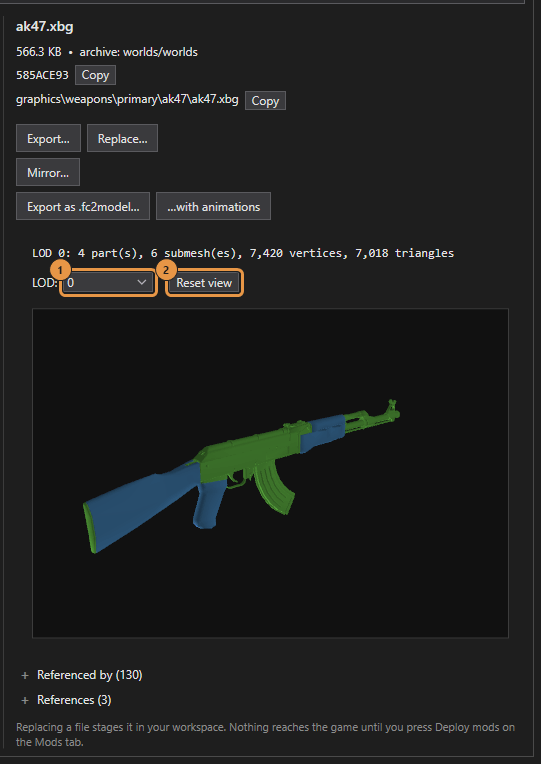
The model in 3D. Drag to turn it, scroll to zoom, Reset view (2) to start over. LOD (1) picks the level of detail: the game swaps in simpler versions of a model as it gets further away. Colours mark the model's parts. A model also gets Export as .fc2model…, see Edit a model in Blender.
Materials (.xbm)
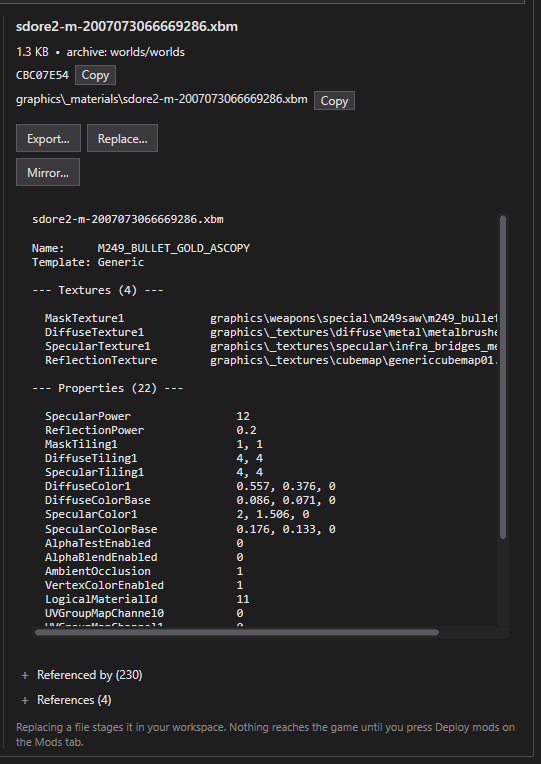
How a surface is drawn: the shader template, the textures it uses, and every parameter, such as colours, tiling and shininess, grouped the way the game groups them. Each value is editable, and an edit goes into your workspace as soon as you leave the box; clear a box to drop the value, so the shader's default applies. Show every property the shader takes lists the ones the material leaves unset too. A texture gets Pick… to choose one from the game, a thumbnail and Go to.
Anything the game would ignore without saying so is called out under the value: a misspelt
property, one the shader doesn't take, a texture that isn't there. On a weapon or a vehicle, a
colour's Clean twin is what the game actually shows, so Set Clean twins along sets it with the
colour.
New material… makes a material at a new path, as a copy of the selected one or empty on a
shader. A model draws with it once its material list names it, which fc2model add-material does.
Textures (.xbt)
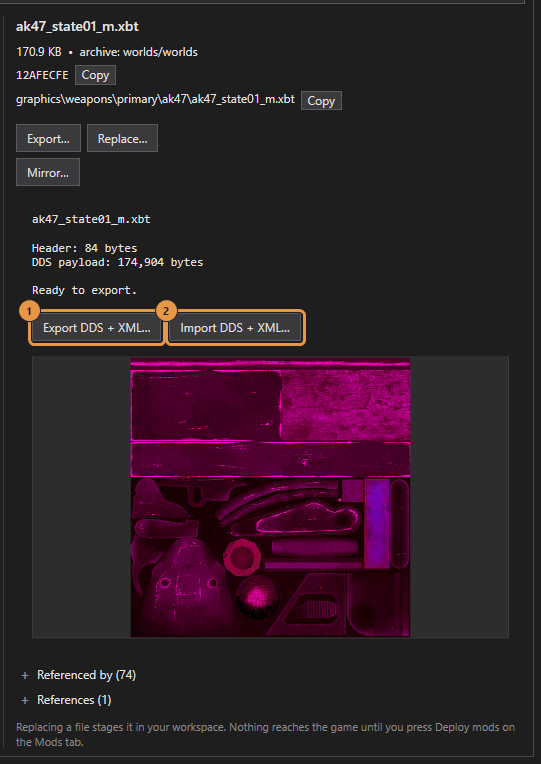
The picture, plus Export DDS + XML… (1) and Import DDS + XML… (2) to edit it in an image editor. See Replace a texture.
Animations (.mab)
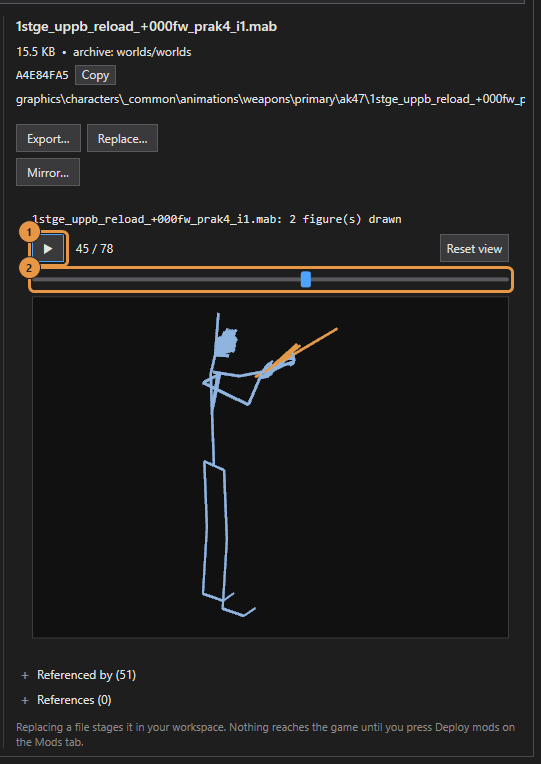
An animation bank, played on stick figures of the skeletons it moves: here a first-person AK-47 reload, with the arms and the gun. ▶ (1) plays and pauses, the slider (2) scrubs through the frames.
Music and speech (.sbao)
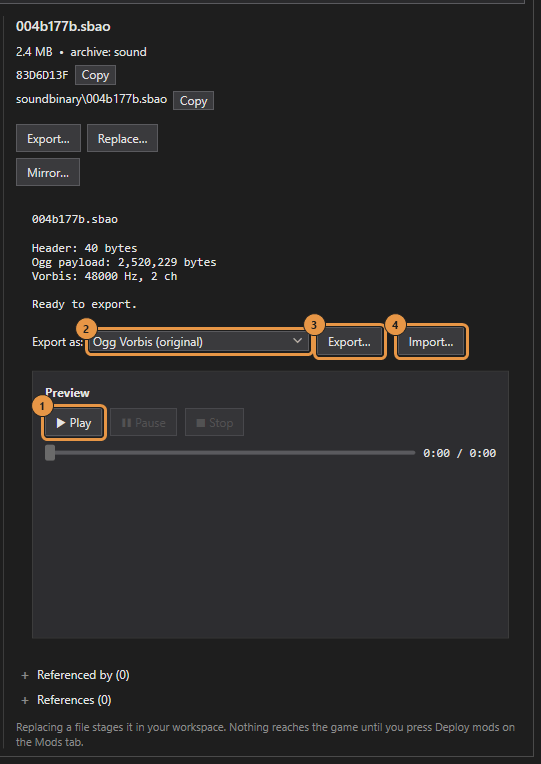
Long audio: music and dialogue. ▶ Play (1), choose a format (2) and Export… (3), or Import… (4) your own audio. See Replace music and speech.
Sound banks (.spk)
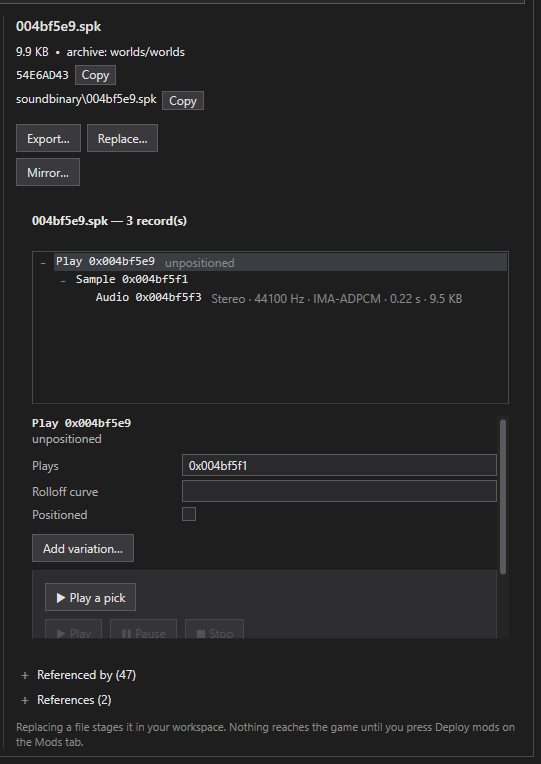
Short sounds, such as gunshots, footsteps and impacts, with the rules for how they play: random variations, chances, distance. The preview is a full editor, see Replace a sound effect.
Terrain (.sdat)
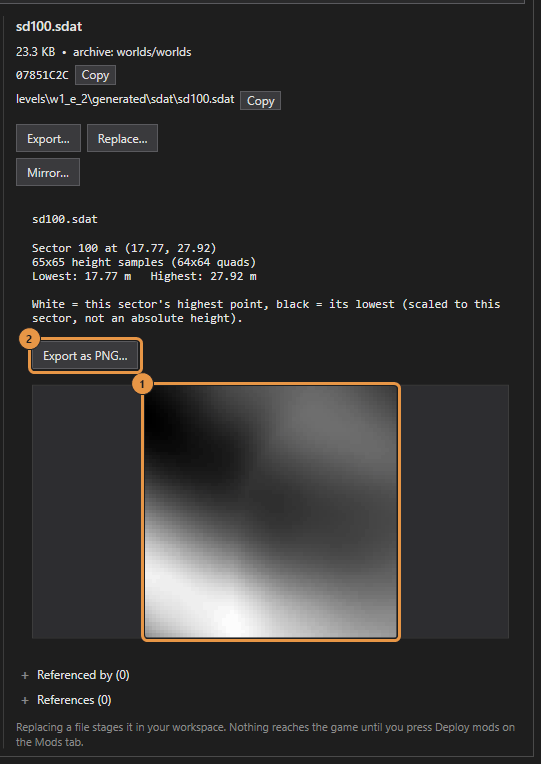
One terrain sector's height map, white for its highest point and black for its lowest (1), with Export as PNG… (2). The full terrain, with textures and everything placed on it, is on the Map tab; see Explore a world.
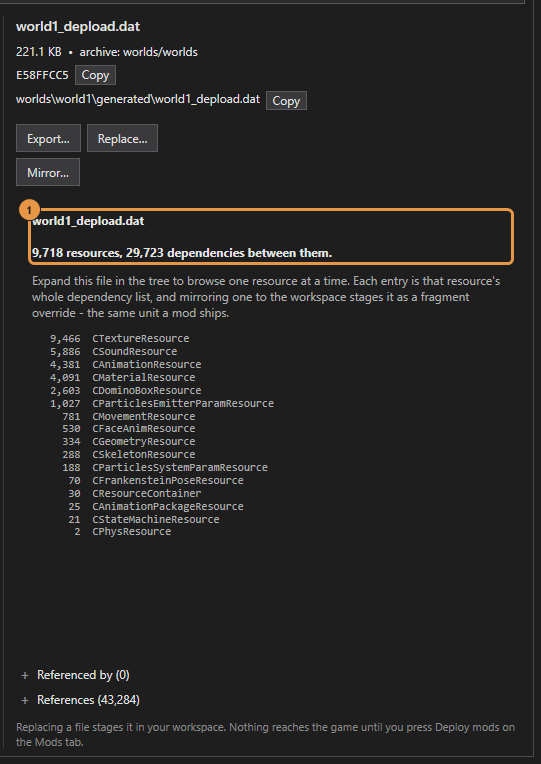
Dependency lists (depload.dat)
Each world has a list of what every resource needs loaded with it (1). The breakdown by type shows the scale: almost ten thousand resources in world1. Open it as a folder in the tree to see one resource at a time. A new weapon or model has to be added here, or the game won't load it.
Menus and the HUD (.mgb)
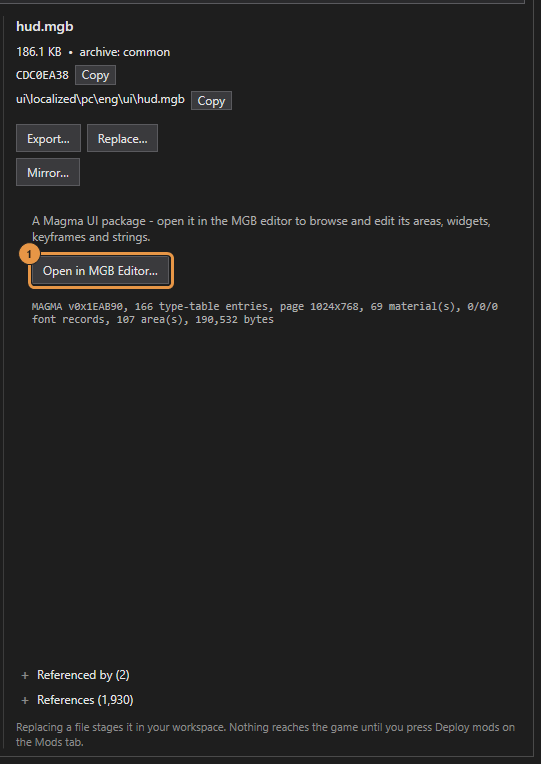
The game's own UI format. The preview summarises the package, and Open in MGB Editor… (1) opens it. See Edit the HUD and menus.
Mission scripts (domino\user\*.lua)
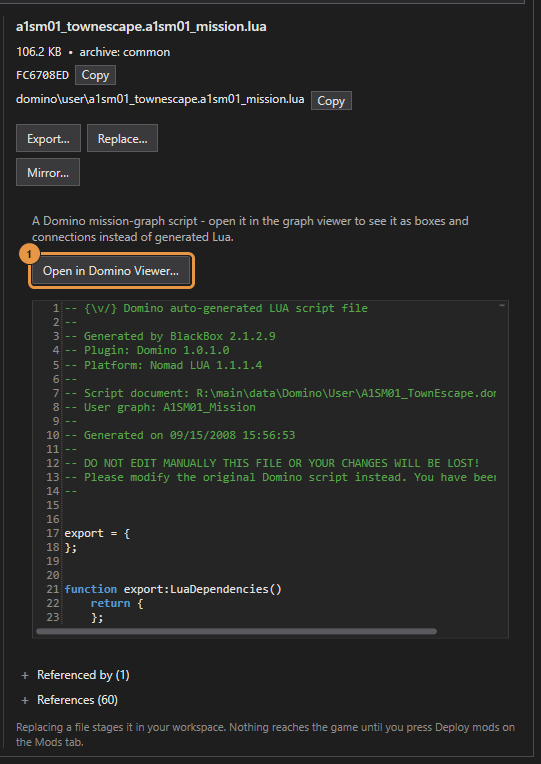
The generated Lua of a mission. Open in Domino Viewer… (1) rebuilds the box-and-wire graph it came from, see Read a mission.
Collision (.hkx)
The physics as text: every object and its values. Open in HKX Editor… opens the file in its own tab. The collision is drawn over the model filed beside it, the bodies and shapes form a tree, and the selected object's values are listed beside them. Click a shape to select it.
- Change a value: type over it in the list: numbers, flags, vectors and named choices. Pointers, arrays and matrices only show.
- Move or turn a shape: drag the arrows or squares (Move, T), or the rings (Turn, R). A translate shape that is turned becomes a transform shape. A shape without either gets one of its own.
- Resize a box: drag the knob on one of its faces. The opposite face stays where it is.
- Undo, redo and save: Undo and Redo (Ctrl+Z, Ctrl+Y) step back and forth through the edits. Save (Ctrl+S) stages the file in the workspace. Saving also refreshes the values Havok works out from the shapes, so the game sees the new collision: the MOPP index, the list's bounds, the body's radius, and a wrapper's radius.
Files whose part modifiers point into a MOPP, as on some vehicles, can't be saved once a shape under that MOPP has moved.
Text (.xml, .lua, .desc)
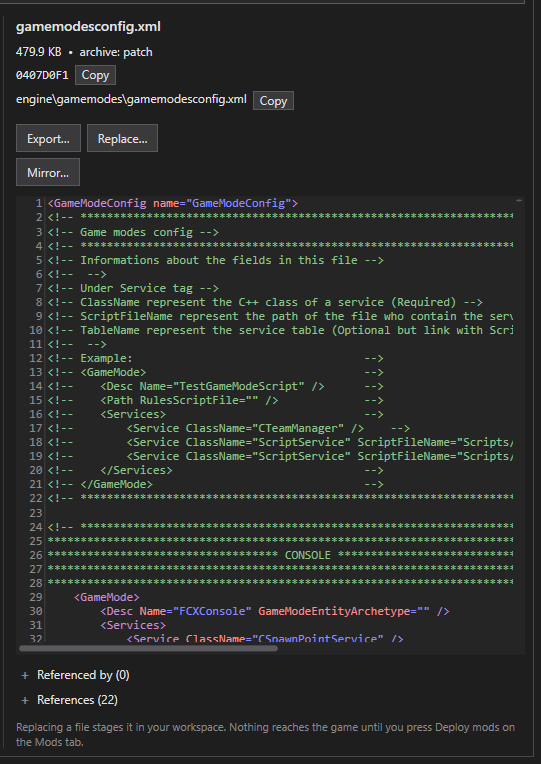
Plain text with syntax colours. When a mod changes the file, the preview shows only the changed lines, old and new, like the string table in Rename a weapon.
Everything else
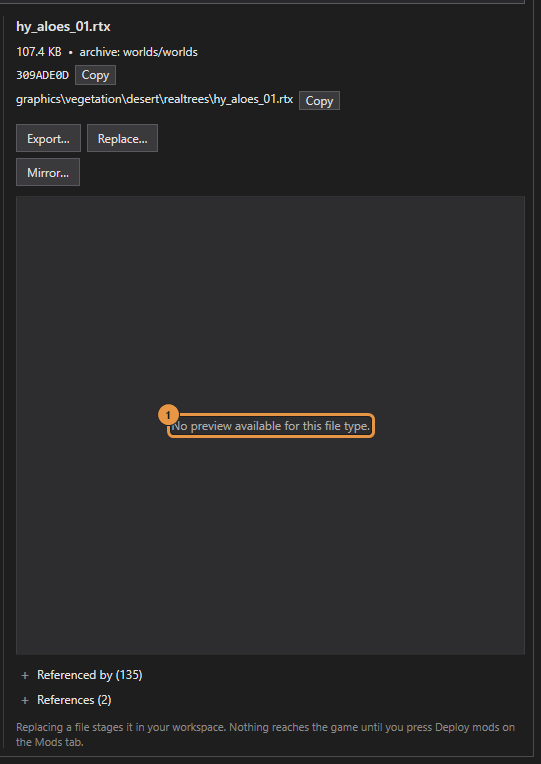
Some formats have no preview: video (.bik), skeletons, the procedural trees
(.rtx, drawn on the Map tab instead) and a few others. They still have a size, a hash,
references, and the export and replace buttons; the preview just says there's nothing to show (1).