A tour of the window
How to get JackAll and point it at the game is on Installing mods. This page shows what's in the window and what JackAll keeps where.
This page only looks around.
The first start
The first time you start it, JackAll asks where the game is. Pick the folder that has
bin\FarCry2.exe and Data_Win32 in it. The dialog opens on the usual Steam folder.
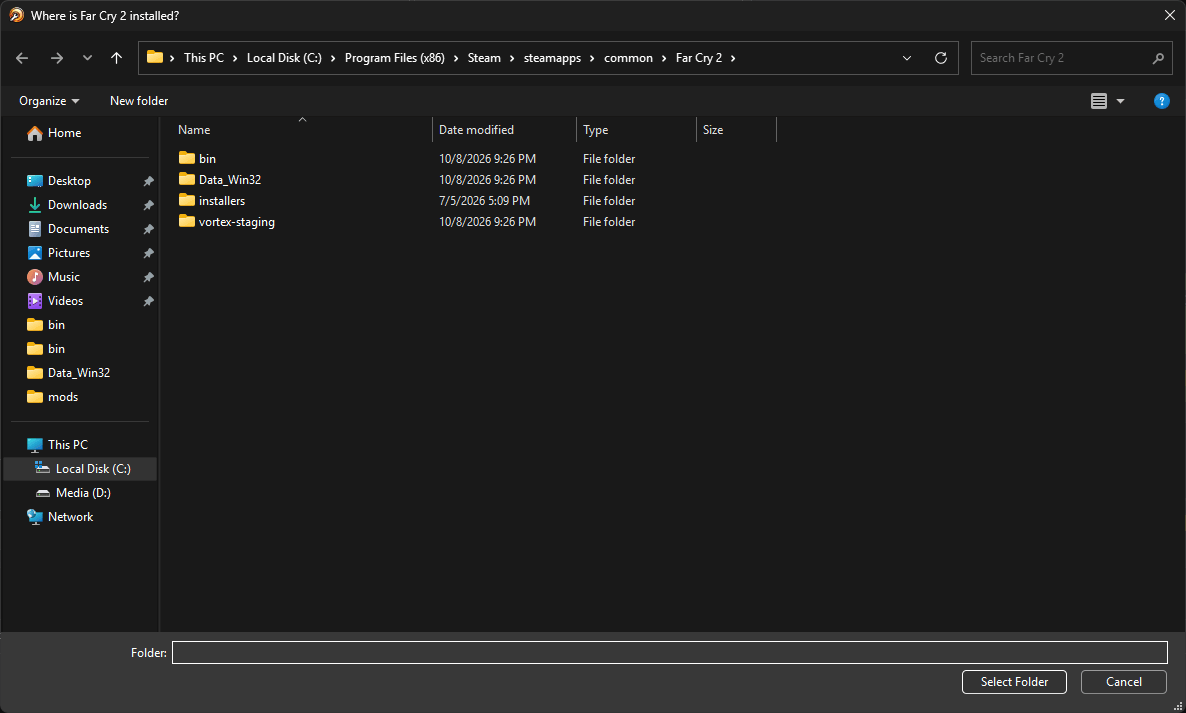
JackAll then compares the game's archives with a clean 1.03 game, Steam's or GOG's, and warns if they differ. Then it reads the archives. That takes a while the first time and is faster after, because JackAll keeps an index of them.
The window
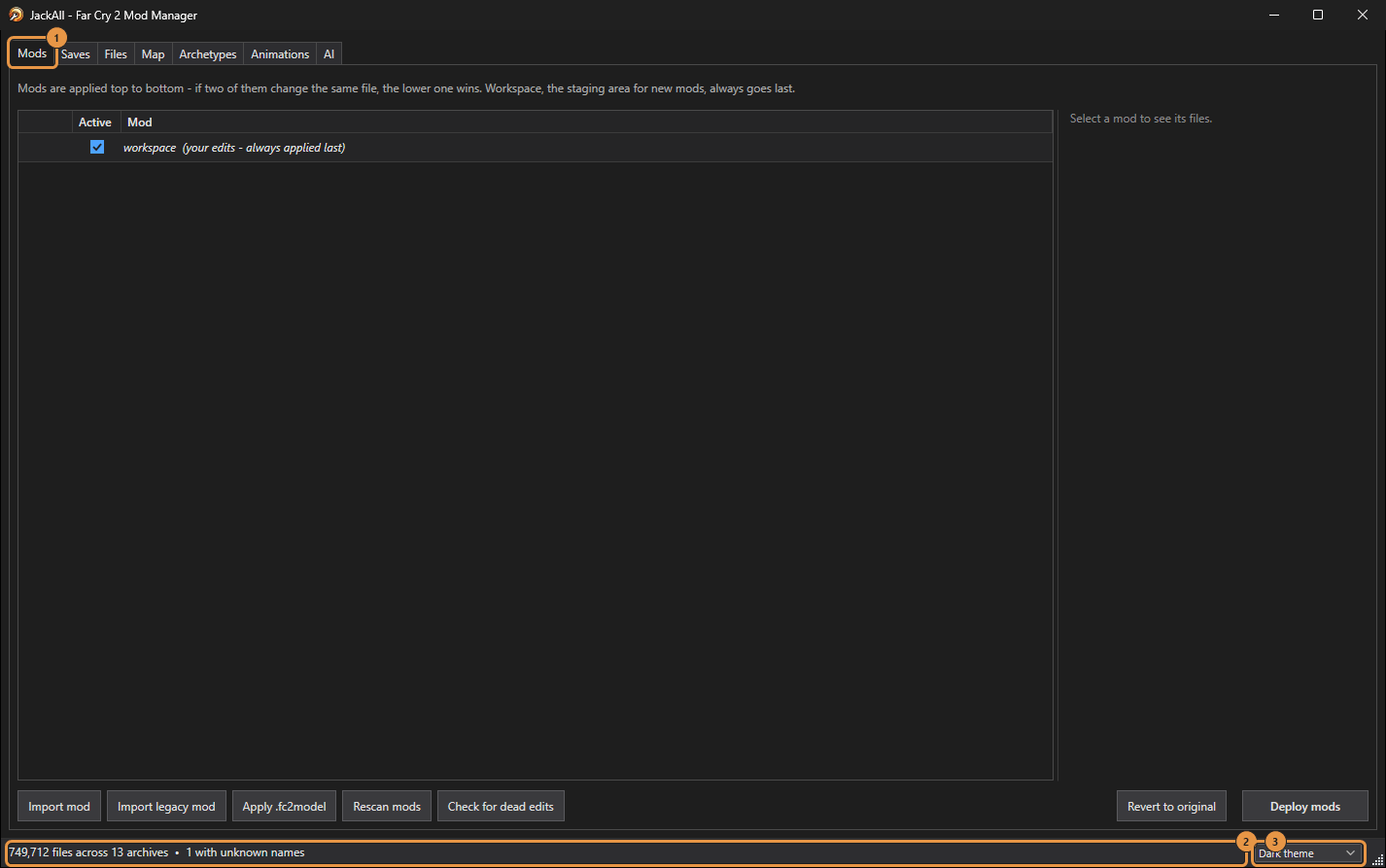
- The tabs (1), starting with Mods. The table below says what each is for.
- The status line (2) says what JackAll is doing or has just done. Once the game is loaded, it
counts the files in its archives and how many of them have no known name; the Files tab lists
those under
_unknown\(see Finding any file). - The theme (3): System, Light or Dark. System follows the Windows app mode.
The tabs
| Tab | What it's for | Start with |
|---|---|---|
| Mods | The mods you use, their order, and Deploy mods | Installing mods, Load order, conflicts and plugins |
| Saves | Your savegames | Savegames |
| Files | Every file of the game: find, look inside, export, replace | Finding any file, Looking inside any file |
| Map | The worlds in 3D: look around, move, add and delete objects | Explore a world, Move, add and delete objects |
| Archetypes | The game's object definitions: weapons, vehicles, characters and the rest | Your first mod, Which copy does the game read? |
| Animations | Which animation plays when | Change which animation plays |
| AI | How soldiers see, shoot and behave | Tune the AI |
Some files open in a tab of their own next to these: the value editor for game data, the MGB editor for the HUD and menus, and the Domino viewer for missions.
What JackAll keeps where
Beside JackAll.exe:
config.ini: the game folder, your mods in their order, and the theme. A!in front of a mod's path turns it off without removing it.workspace\: your own changes, laid out like a mod: game files undermods\, plugins underplugins\.data\: theffmpeg.exeJackAll converts audio with, and the prefabs you save on the Map tab.
In the game folder:
Data_Win32\patch.dat.vanillaandpatch.fat.vanilla: a copy of the game's own patch, made by the first Deploy mods. Every build starts from it..jackallcache: the index of the game's archives that makes the next start faster.bin\plugins\: the FCSE plugins your mods bring.
Mod zips you import stay where they are. JackAll remembers their path, so keep them there.